You can make maps larger, but not lesser? Why? Let's fix it! (at least conceptually)
You'll need shears, a cartography table and the map you wanna crop:
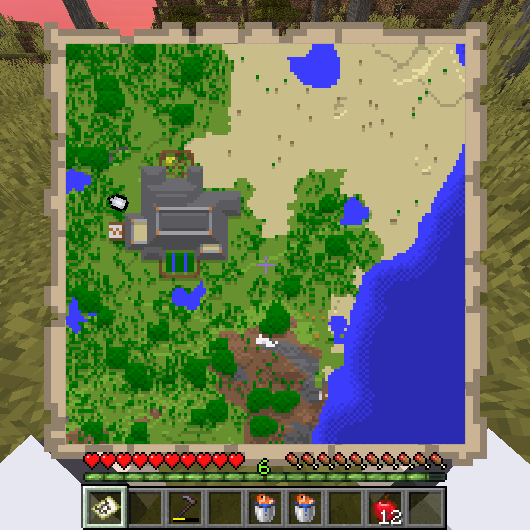
Firstly, open cartography table's GUI (obviously), put your map in the top slot and shears in the bottom one
(damaged shears are also suitable)

You'll see a small selection box on the map. You can move it by mouse drag & drop or by arrow keys


After you selected a suitable box position, just take the finished map from the slot at right. Voila!
Also, your shears will lost 2 durability points.
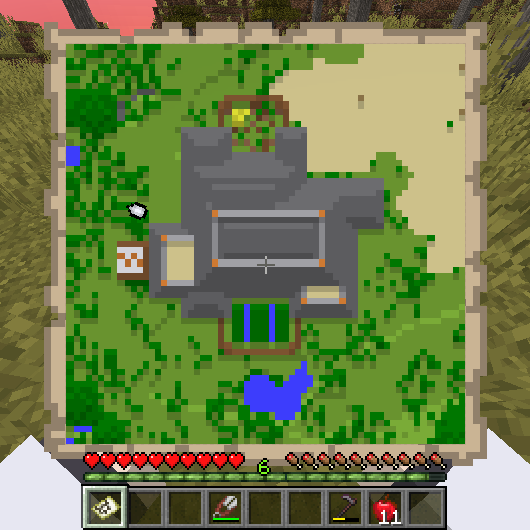
You can crop your maps up to 64x64, 32x32 and even 16x16 blocks!

Enjoyed the idea? Please vote!
2 Comments
Please sign in to leave a comment.
Post a new comment: