When you do split screen (on Xbox at least) all of the menus and User Interface items shrink drastically.
It makes the game very hard to work with while playing Split Screen with someone.
2 Comments
Please sign in to leave a comment.
-
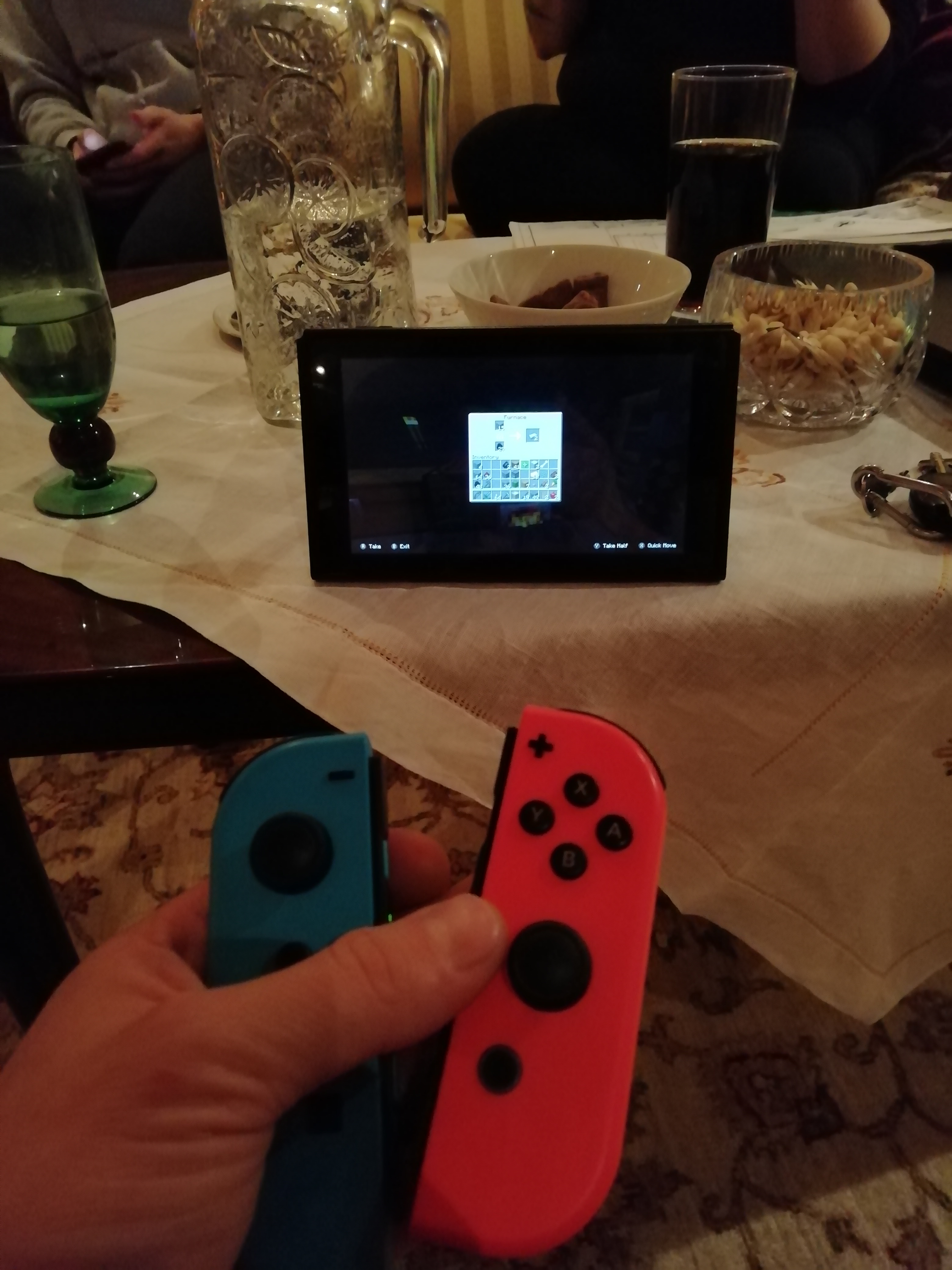
Small UI is a big problem on the switch as well. The screen is small, so UI needs to be as big as possible. There is so much unused space on the screen, UI scaling would make it much easier to play. The text is unnecessarily small, and lots of blocks that look similar is indistinguishable at this size. Like the different types of ores, stone, etc. Look at this image, of how small these inventory slots look from my perceptive as a player.
Post a new comment: