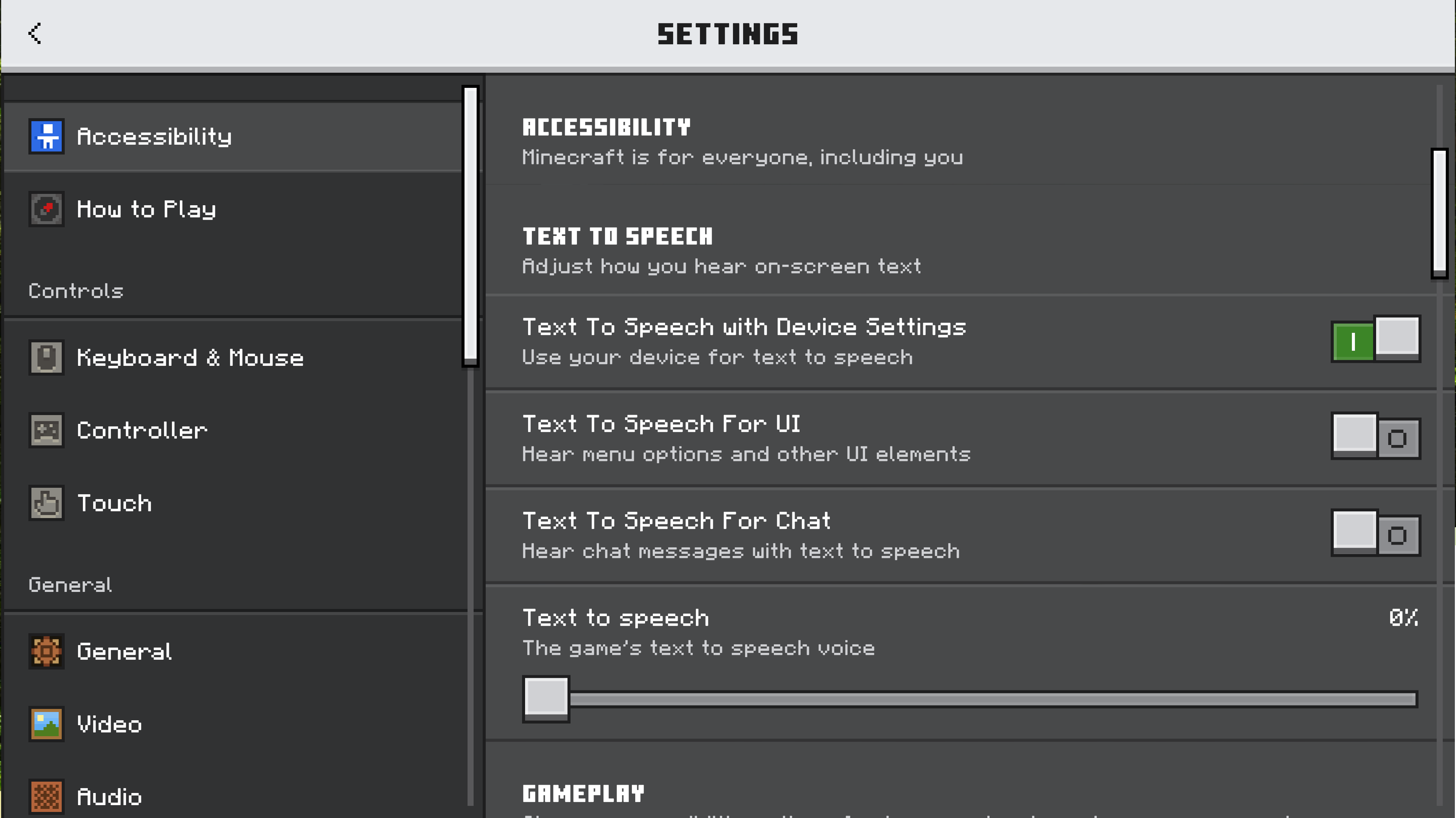
We welcome feedback about menus, toggles on menus, buttons on menus, input devices (like touch controls and keyboards), and Minecraft’s interface. How do you play? What would make it better?

1406

Let’s talk about our updated settings! (Bedrock)

Pinned

952 Comments

Please sign in to leave a comment.

Sorted by oldest
  • 77
    Registered User commented
    Comment actions Permalink

    Nice, I can't wait to see the other settings updated with Ore UI.

  • 36
    Registered User commented
    Comment actions Permalink

    Looks good but it definetly needs a border like the other OreUI screen (a broder around the main page)

  • 32
    Registered User commented
    Comment actions Permalink

    Great but at the left and right i feel like it has been cut or something idk maybe add an outline would make it better

  • 34
    Registered User commented
    Comment actions Permalink

    The extra space on either side looks like a waste, how about expanding the whole page?

  • 37
    Registered User commented
    Comment actions Permalink

    It’s looking good overall — the sliders are now more dense (9 instead of 6 on the same GUI scale, if we don’t count the temporary feedback panel).
    The main downside of the new UI is the lack of the left sidebar. I hope its absence is just caused by incompatibilities between the Ore UI and the older JSON UI, and that it will return in future updates.

  • 49
    Registered User commented
    Comment actions Permalink

    Would be great to have subtitles like java edition

  • 37
    Registered User commented
    Comment actions Permalink

    Why does this need to be a separate menu?

  • 24
    Registered User commented
    Comment actions Permalink

    Need a better translation into portuguese

  • 21
    Registered User commented
    Comment actions Permalink

    Very nice and clear. 

  • 36
    Registered User commented
    Comment actions Permalink

    I think that it lacks some personality, for example you guys should add some icons to the corresponding option. Maybe a diamond block for the "Blocks" section, a Creeper for the "Hostile creatures" section, a Note box for the "Music" section, etc. That kind of thing. Besides that, I like how it looks so far.

  • 27
    Registered User commented
    Comment actions Permalink

    Like it, but please include an option to have a landscape format, same as the world screen, which has two columns with the rows of audio sliders with the master slider at the top, better uses the space on the sides, and minimizes the problem of too much scrolling, which is easier for controllers.

    Also, it would be perfect to add the music frequency and toast notifications from Java, as well as subtitles, as a missing feature. Beyond excited for more UI redesigns, particularly in the settings and video menus, as it's a mess currently. 

  • 33
    Registered User commented
    Comment actions Permalink

    The sliders should give you a preview on how loud the sounds will be in-game, similarly to the old audio settings screen.

  • 24
    Registered User commented
    Comment actions Permalink

    this new audio tab is amazing i wonder if mojang will update anymore of the settings looks???

  • 24
    Registered User commented
    Comment actions Permalink

    We absolutely need a redstone category so we can mute our machines.

  • 18
    Registered User commented
    Comment actions Permalink

    Some icons for each would be awesome


  • 21
    Registered User commented
    Comment actions Permalink

    With all of the new sound screen changes, I recommend a music toggle for the pause menu. I want this because I often go from wanting to listen to the music to listening to my own music, and I will often forget to turn music back on if it is buried behind a few screens. I also recommend adding the 3 music frequency options added to Java in 1.21.6 for both parity and because I love the OST! Thanks! 

  • 14
    Registered User commented
    Comment actions Permalink

    I love this new UI for the next Minecraft Gen, and I can't wait for the complete Ore UI !!

  • 14
    Registered User commented
    Comment actions Permalink

    Where's the ominous vault block in creative menu


  • 17
    Registered User commented
    Comment actions Permalink

    The update is great, but it comes with the need to add a world export button to the mobile edition of the game! This is very important for backing up our worlds!

  • 14
    Registered User commented
    Comment actions Permalink

    i really like it! its looks so freshy and beautiful! i really hope to see this UI design everywhere!!!

  • 16
    Registered User commented
    Comment actions Permalink

    I think there are some improvements, but also I'm a little concerned. Is every setting tab going to open a new page like this? I think keeping all the tabs to the left and having this to the right as usual would be much better and make modifying settings easier. In addition, I don't think you should have to scroll to see all the options. Why not try having some options side by side, like in Java Edition?

    In addition, when I view it in game, there is so much space either side of the list of options, which I really dislike, and is also why I hope that you will keep the settings menu as it was, just with a refreshed look.

    Also, it'd be nice to have an audio test option. Unlike with Master volume having the click sound as you modify the setting, I think it'd be nice to be able to set volume for Friendly mobs and then have a button which randomly plays a Friendly mob noise, and the same for the other audio options.

  • 16
    Registered User commented
    Comment actions Permalink

    I would LOVE to see a music frequency option - just like there is on Java Edition :)

    Then I could set the music to play constantly.

    I would also like to use this post to mention that I feel some of the background songs play a lot quieter than others. Most of the relatively newer tracks play very loud, but some of the classic C418 songs are difficult to hear. I'd like to see the audio levels more balanced in Minecraft!


  • 14
    Registered User commented
    Comment actions Permalink

    Hello, I would like to share my feedback on the new settings interface in Minecraft Preview.

    I find the old interface more convenient and faster to use than the new one.

    • Main settings interface: Before, the spaces between the buttons on the left menu were small, but in the new interface there are large spaces that aren't really needed. I prefer the old interface because I could scroll to the bottom by turning my mouse wheel only twice, while in the new one I have to scroll five times.
    • Audio settings interface: I think the old audio settings were better because the sound controls were on the right side of the screen, so it was easier to change the volume and quickly go change something else right after. In the new interface, the audio settings are in a separate screen. Because of that, it takes more time to adjust the sound and then go to another setting, since I have to go back to the main settings menu first.

    I would also like to be able to change the volume of redstone-related sounds. When I use a lot of pistons, the sound gets really loud and I have to mute the game, which is a bit frustrating.

    Thank you.

  • 15
    Registered User commented
    Comment actions Permalink

    It looks cool! Adding small pixel art icons at the end of each could make it even nicer, like a pixelized sound icon, a weather icon, or an animal sounds icon, and more.

  • 18
    Registered User commented
    Comment actions Permalink

    These new looks are actualy just really cusfusing leave it as it is please!

  • 16
    Registered User commented
    Comment actions Permalink

    me encanta!!!!!!!!!!!!!


  • 16
    Registered User commented
    Comment actions Permalink

    Please add a "Cave sounds" slider.  I want to hear the regular ambient sounds without getting a heart attack every time a cave sound plays.

    !!!! D O  N O T  A D D  A S  A  B E D R O C K   E X C L U S I V E  F E A T U R E !!!!

  • 16
    Registered User commented
    Comment actions Permalink

    It looks good. I hope all menus look like this one in the future because as of now, the menu designs are very inconsistent.

  • 18
    Registered User commented
    Comment actions Permalink

    I really love the Java sound menu to choice when we want to here music or not

  • 2
    Registered User commented
    Comment actions Permalink

    Este juego es el que me gusta más